Three Great Tools to Organize Your Research: Zotero vs. Mendeley vs. Notion
Embarking on a major academic project, thesis, or systematic literature review can quickly become overwhelming. Between downloading PDF documents, tracking down complex bibliographic details, taking structured notes, and managing strict publication deadlines, researchers often find themselves drowning in disorganized digital clutter. Having the right workflow and software infrastructure is the single most important step toward maintaining your sanity and productivity.
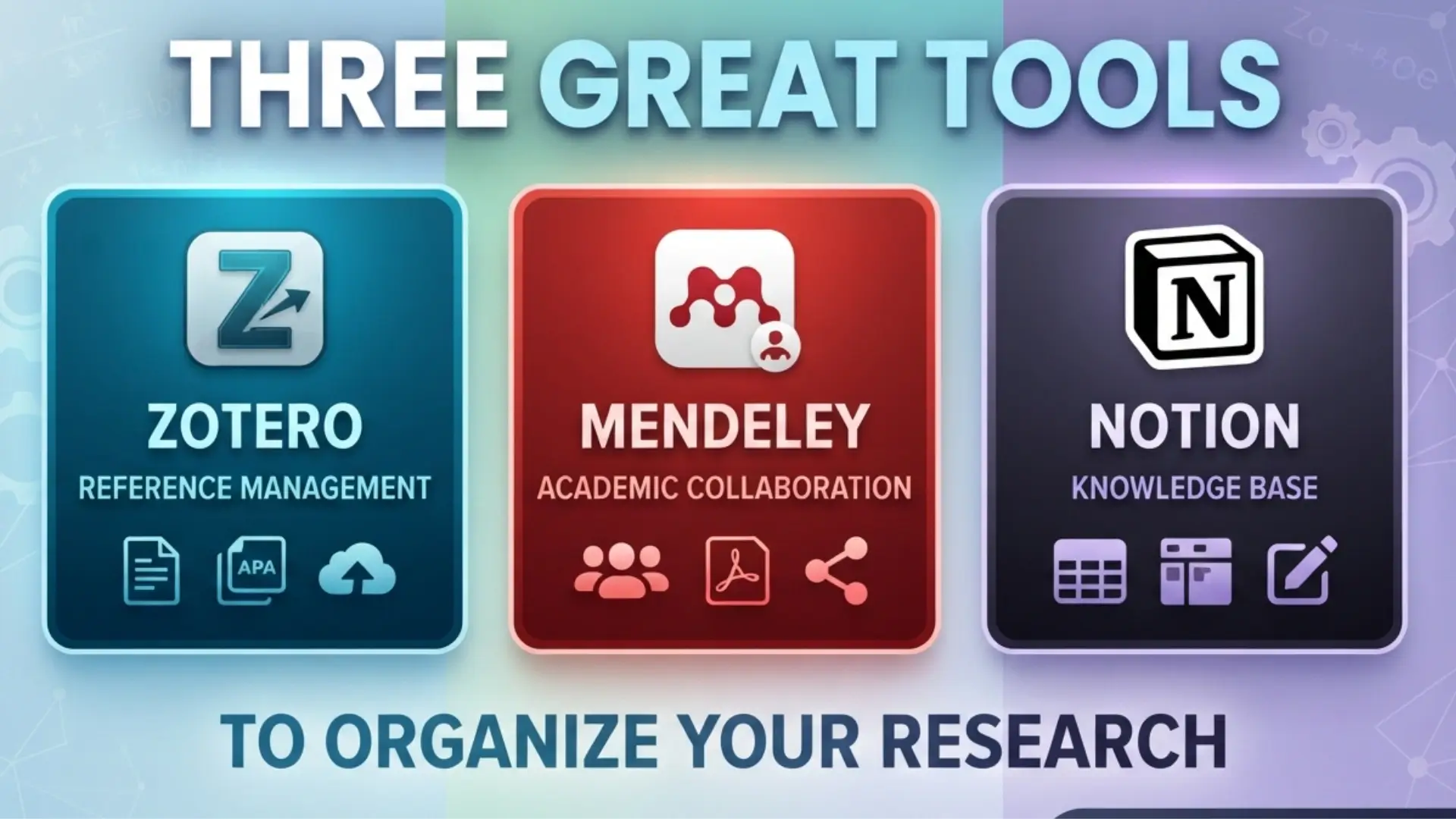
In this comprehensive guide, we explore three of the absolute best tools available today for managing and organizing your academic research. Each tool serves a distinct philosophy and workflow style: Zotero (the open-source powerhouse built for reference management and heavy writing), Mendeley (the social reference manager tailored for reading and annotating dense PDFs), and Notion (the modular workspace championing flexible note-taking and visual project tracking). Let’s dive deep into each tool, examine their strengths, and compare them side-by-side to help you build the ultimate research ecosystem.
1. Zotero: Best for Open-Source Fans and Heavy Academic Writing
For decades, Zotero has been a darling of the academic and open-source communities. Developed by the Roy Rosenzweig Center for History and New Media, Zotero is a free, open-source reference management software designed specifically to store, manage, and cite bibliographic data and research materials. If your primary pain point is formatting citations, generating bibliographies, and managing hundreds or thousands of journal articles without vendor lock-in, Zotero is unmatched.
Key Features and Strengths of Zotero:
- One-Click Capture: Zotero’s browser connector automatically detects books, journal articles, web pages, and preprint servers as you browse the web, instantly capturing metadata, PDFs, and snapshots with a single click.
- Seamless Word Processor Integration: It offers robust plugins for Microsoft Word, LibreOffice, and Google Docs, allowing you to insert citations and automatically compile dynamic bibliographies in thousands of styles (APA, MLA, Chicago, IEEE, etc.).
- Robust Collection Management: Use collections, subcollections, tags, and saved searches to organize complex projects, collaborative libraries, and multi-year research repositories.
- Open-Source Freedom: Because it is open-source, your data is truly yours, free from corporate restrictions, and supported by a massive global community of developers and researchers.
Zotero shines brightest when you are actively drafting manuscripts, theses, or dissertations. Its citation engine runs quietly in the background of your word processor, ensuring that as your document evolves, your bibliography stays flawless. Furthermore, its support for shared group libraries makes collaborative academic writing straightforward and reliable.
2. Mendeley: Best for Researchers Who Read and Annotate Heavy PDFs
Acquired by Elsevier, Mendeley is a powerful, desktop-and-cloud-based reference manager that places heavy emphasis on the reading, markup, and social discovery aspects of academic research. If your desk is piled high with digital PDFs that require extensive highlighting, sticky notes, margin comments, and cross-referencing across devices, Mendeley offers a streamlined, visually rich environment tailored for deep reading.
Key Features and Strengths of Mendeley:
- Advanced Built-in PDF Reader: Mendeley features a modern, clean PDF reader equipped with robust annotation tools, allowing you to highlight text in multiple colors, add sticky notes, and keep your thoughts directly tied to the source document.
- Smart Metadata Extraction: Drag and drop any PDF into Mendeley, and its smart engine automatically extracts title, authors, abstract, publication year, and journal name to populate your library metadata.
- Cross-Platform Cloud Syncing: Your library, annotations, and notes sync seamlessly across desktop applications (Windows, Mac, Linux), web browsers, and mobile devices, ensuring your research travels with you.
- Academic Networking: As part of the Elsevier ecosystem, Mendeley connects you with global research trends, recommendation engines, and peer groups working in similar scientific disciplines.
Mendeley is ideal for literature-heavy workflows where understanding, dissecting, and synthesizing complex arguments inside papers is your main daily activity. Being able to open a PDF on your tablet, annotate key findings while commuting, and have those exact highlights waiting on your desktop workstation makes Mendeley an exceptional reading companion.
3. Notion: Best for Flexible Note-Taking and Visual Project Tracking
While Zotero and Mendeley are specialized reference managers, Notion is a versatile, all-in-one workspace that redefines how you structure your entire research life. Notion is not a traditional reference manager; rather, it is a blank canvas of blocks, databases, boards, and calendars that allows you to build custom research hubs, literature review matrices, task kanban boards, and experimental logs tailored precisely to your brain.
Key Features and Strengths of Notion:
- Infinite Flexibility and Customization: Build custom relational databases where your literature notes, daily journal entries, thesis chapters, and conference deadlines are all interconnected in a single system.
- Visual Project Tracking: Manage your research timeline using Kanban boards, calendar views, gallery layouts, and progress bars to keep your dissertation or project milestones on track.
- Collaborative Workspaces: Share entire research databases, meeting minutes, and project wiki pages with supervisors, lab partners, or research assistants in real-time.
- Rich Multimedia and Markdown Support: Embed images, code snippets, web bookmarks, audio files, and equations seamlessly alongside rich text formatting and toggles.
Notion excels at macro-level project management and qualitative synthesis. Instead of keeping your thoughts scattered across random text documents and sticky notes, Notion lets you build a centralized “Research Hub” where every paper you read has a dedicated page linked to themes, methodologies, and key takeaways.
Comparison Table: Zotero vs. Mendeley vs. Notion
To help you choose the right tool—or combination of tools—for your specific academic workflow, review the side-by-side comparison below:
| Feature / Criteria | Zotero | Mendeley | Notion |
|---|---|---|---|
| Primary Purpose | Reference management & academic citation | PDF reading, annotation & reference management | General note-taking & visual project tracking |
| PDF Annotation | Good (built-in PDF reader & notes) | Excellent (advanced multi-color highlighting & notes) | Basic (text blocks & file attachments) |
| Citation & Bibliography | Superior (plugins for Word, Google Docs, LibreOffice) | Very Good (Word and LibreOffice plugins) | Manual (no direct citation generation engine) |
| Project Management | Basic folder/tag organization | Basic folder organization | Master-class (Databases, Kanban boards, Calendars) |
| Cost & Licensing | Free & Open Source (300MB free cloud storage) | Free tier with cloud storage limits | Generous free tier for individuals (paid for team workspaces) |
| Best Suited For | Thesis writers & formal academic publishing | Literature reviewers & heavy PDF annotators | Organizing research notes, tasks & master outlines |
Conclusion: How to Build Your Ultimate Research Workflow
In reality, you don’t necessarily have to choose just one tool. Many successful researchers adopt a hybrid workflow that leverages the specific superpowers of each platform:
- Use Zotero as your backend anchor for storing PDFs, managing metadata, and auto-generating accurate citations and bibliographies inside your word processor.
- Use Mendeley if your workflow demands deep, immersive tablet-based PDF annotation and reading synced instantly across your devices.
- Use Notion as your frontend command center to build literature review matrices, synthesize core arguments across papers, track your daily research tasks, and outline your dissertation chapters.
By thoughtfully integrating these tools into your daily routine, you can eliminate administrative friction, stay impeccably organized, and focus your energy where it truly belongs: generating groundbreaking insights and producing exceptional research.
References
Elsevier. (2026). Mendeley reference manager & PDF annotator. https://www.mendeley.com
Notion Labs, Inc. (2026). Notion – Your connected workspace for wiki, docs & projects. https://www.notion.so
Roy Rosenzweig Center for History and New Media. (2026). Zotero: Your personal research assistant. Corporation for Digital Scholarship. https://www.zotero.org