The Ultimate Academic Conference Presentation Checklist: Master Your Delivery & Tech Setup
Securing a spot through an international Call for Papers or preparing for a prestigious symposium presentation is a monumental milestone for any researcher, post-doc, or academic professional. However, the path to a flawless defense or lecture does not end when your abstract is accepted. Real success hinges on how effectively you deliver your insights and showcase your research metrics within a strict time slot.
An elite presentation requires a meticulous baseline balance between deep domain clarity, structural time management, and robust, fail-safe equipment. Technical failures, poorly rendered data visualizations, and unoptimized presentation gear can stall your pacing, break your engagement, and directly undermine months of strenuous hard work.
To ensure your next delivery is highly impactful, we have compiled an exhaustive, multi-tier presentation checklist tailored strictly for modern scholars. From setting up your visual slide cadence to acquiring specialized presentation laptops that seamlessly interface with legacy conference venue AV setups, here is your roadmap to master the stage.
1. Pre-Conference Preparation & Visual Optimization
Weeks before traveling to the conference venue, you must standardize your abstract and slide architecture. Most international venues run standardized slide software configurations, meaning your visual elements must display perfectly across systems without breaking fonts, video embeds, or complex statistical matrices.
The Visual Design Standard
Keep your backgrounds clean, highly minimalistic, and high in contrast. Avoid excessive slide text; your visual aids should emphasize your key insights rather than restating your spoken words. Ensure your core charts, data labels, and methodology summaries are legible even from the back rows of a cavernous lecture hall.
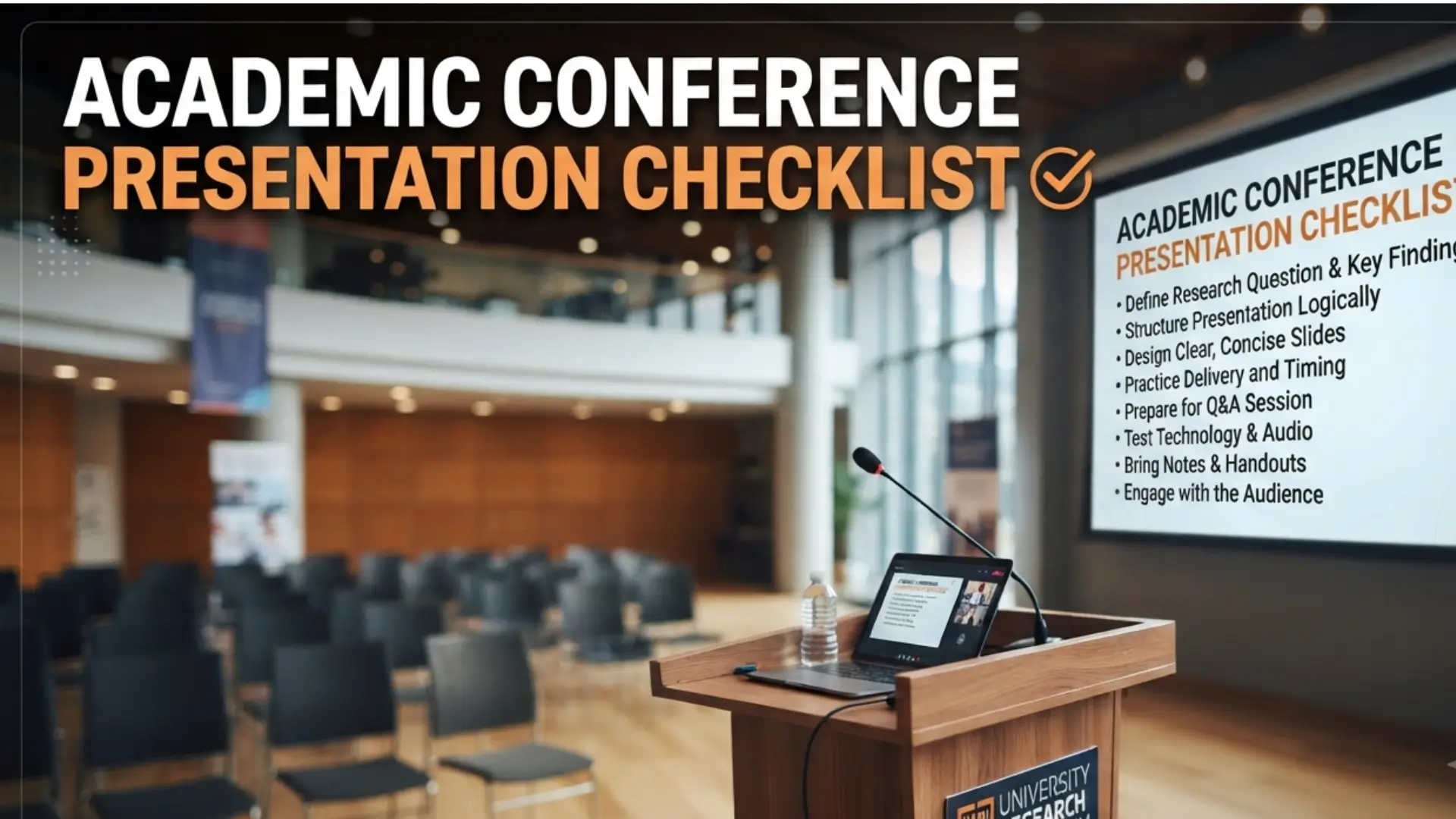
Visual & Content Checklist
2. Technical Architecture: Presentation Gear Requirements
A common error among advanced researchers is neglecting the physical limitations of venue infrastructure. Many older institutional lecture halls rely on legacy VGA interfaces, while modern smart podiums expect Type-C display distribution profiles. Running a low-tier laptop with inadequate hardware processing speeds or insufficient ports creates a massive vulnerability during active slide progression.
Your hardware must easily drive a secondary screen stream while maintaining active backend multi-tasking for complex simulations or code demonstrations. Aim for a reliable multi-core processing architecture coupled with substantial memory to ensure that high-resolution data sheets or visual animations load instantly.
Recommended Presentation Hardware Comparison
If you are upgrading your academic equipment before your next conference or upcoming admission semester, consider these highly reliable, presenter-vetted platforms:
Lenovo 14 (2025) Business Laptop
For professional scholars and active researchers, connection reliability and raw productivity power are foundational. Powered by the robust 13th Gen Intel Core i5 processor, this sleek Iron Grey business laptop handles multi-tab research databases, heavy slide decks, and data processing effortlessly. Out-of-the-box Microsoft Office 2021 integration ensures your documentation and presentation files are fully compatible wherever your academic travels take you.
Check Latest Student Prices on Amazon →HP OmniBook 5 OLED (Previously Pavilion)
Navigating international airports and expansive multi-tier conference halls requires an ultra-lightweight workspace companion. Weighing only 1.29 kg with an incredible multi-day battery life, the HP OmniBook 5 features a stunning 2K OLED display for razor-sharp data visuals. Driven by a high-efficiency Snapdragon X processor with dedicated AI TOPS, it offers elite responsiveness and lightning-fast slide rendering on the go.
Check Offers on Amazon →3. Presenter Accessories: Maximizing Stage Control
Beyond your central laptop platform, bringing specialized hardware accessories gives you massive functional mobility while standing on a stage. Relying strictly on a podium mouse or keyboard tracks locks you down geographically, preventing you from stepping out to engage actively with your panel of judges or conference peers.
Wireless Presenter Remote 2.4GHz PPT Clicker
Take complete physical control of your lecture pacing without being tethered to a fixed podium. This universal wireless clicker features a hassle-free USB plug-and-play setup that works seamlessly across Windows, macOS, and Linux presentation systems. Its ergonomic shape and intuitive tactile buttons allow you to seamlessly advance or reverse slides with total confidence.
View Deals on Amazon →| Device Category | Recommended Spec | Core Conference Benefit |
|---|---|---|
| Primary Laptop | Intel Core i5 / Snapdragon X, 8GB–16GB RAM | Zero lag during heavy multi-app simulations |
| Display Adapter | Multi-port Hub (HDMI/VGA/Type-C) | Guaranteed compatibility with legacy venue AV |
| Remote Clicker | Wireless RF 2.4GHz USB Clicker | Unrestricted stage mobility and clean delivery |
4. The Live Day Checklist: Zero-Failure Execution
When your scheduled presentation day arrives, execution is everything. Arriving early allows you to verify localized room variables, test active microphone frequencies, and ensure your laptop matches the local display resolution cleanly.
Live Presentation Room Checklist
Conclusion: Invest in Your Academic Delivery
Publishing breakthrough findings is only half the battle. Presenting those findings confidently without technical interruptions is what establishes your reputation at international symposia and academic conventions. Ensuring your tech infrastructure is modern, fast, and equipped with native presentation ports is an investment in your career growth.
Keep your presentations focused, back up your files comprehensively, and use equipment that lets you own the room. For more updates on upcoming international conferences, doctoral admissions, and research positions, keep tracking the latest alerts right here on Campus Calendar.
Affiliate Disclosure: This article contains affiliate links. If you purchase products through these links, Campus Calendar may earn a commission at no additional cost to you.